Lenny Kioko
CheckNews EA
News Checker for MT5
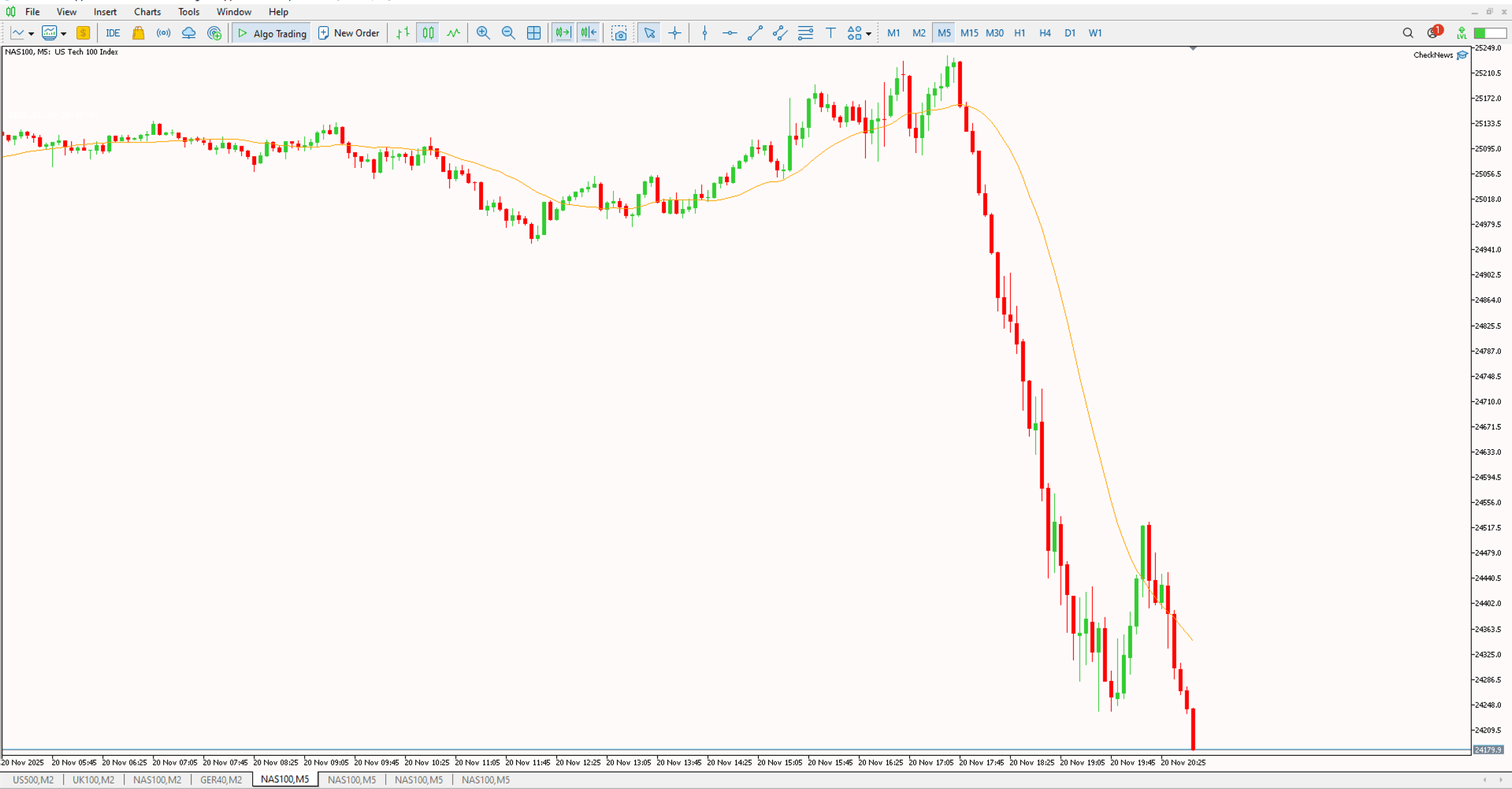
The CheckNews EA acts as your automated economic calendar assistant directly on your MetaTrader 5 chart. It monitors upcoming high-impact financial news and holidays, ensuring you never get caught off-guard by market-moving events while you trade.
Key Features
- High-Impact Filter: Automatically filters and displays only high-importance economic events and holidays relevant to your market.
- Live Countdown: Monitors time continuously to show you exactly when events are approaching relative to server and local time.
- Bank Holiday Detection: Specifically identifies Bank Holidays (e.g., US market holidays) and updates the display to warn you of low volatility conditions.
- Clean Dashboard: Displays critical news info directly on the chart using a non-intrusive text overlay.
Installation Guide
Download the EA file and place it in your MetaTrader 5 'Experts' folder. Restart your terminal, and you will find the CheckNews EA in the Navigator window under Expert Advisors. Drag and drop it onto your chart to get started.